
Screen and projector rentals in San Diego
Displays to suit the room, from a 22″ monitor on a desk to an 86″ screen at the front of a ballroom, with the stands and cabling that make them usable.
Narrow it down
Photos
30 photosOpen a photo to see it larger, download it or copy a link to send. All equipment photos
Screen or projector
A flat screen is the better choice for most rooms. It is brighter and sharper, needs no throw distance, and still works when the lights are on. A projector is the better choice when the image has to be very large, or when there is nowhere to stand a screen.
- Up to 86″ flat panels on rolling stands
- Desktop monitors from 22″ to 43″, including 4K
- Touchscreens for poster sessions, wayfinding and demos
- Projectors up to 6,000 lumens where the room needs one
Work out the size from the back row
The usual mistake is choosing a screen size that only suits the front row. A rough guide: the furthest viewer should be no more than six times the screen height away for detailed content. If people are reading slides with data on them, size up.
Screen stands
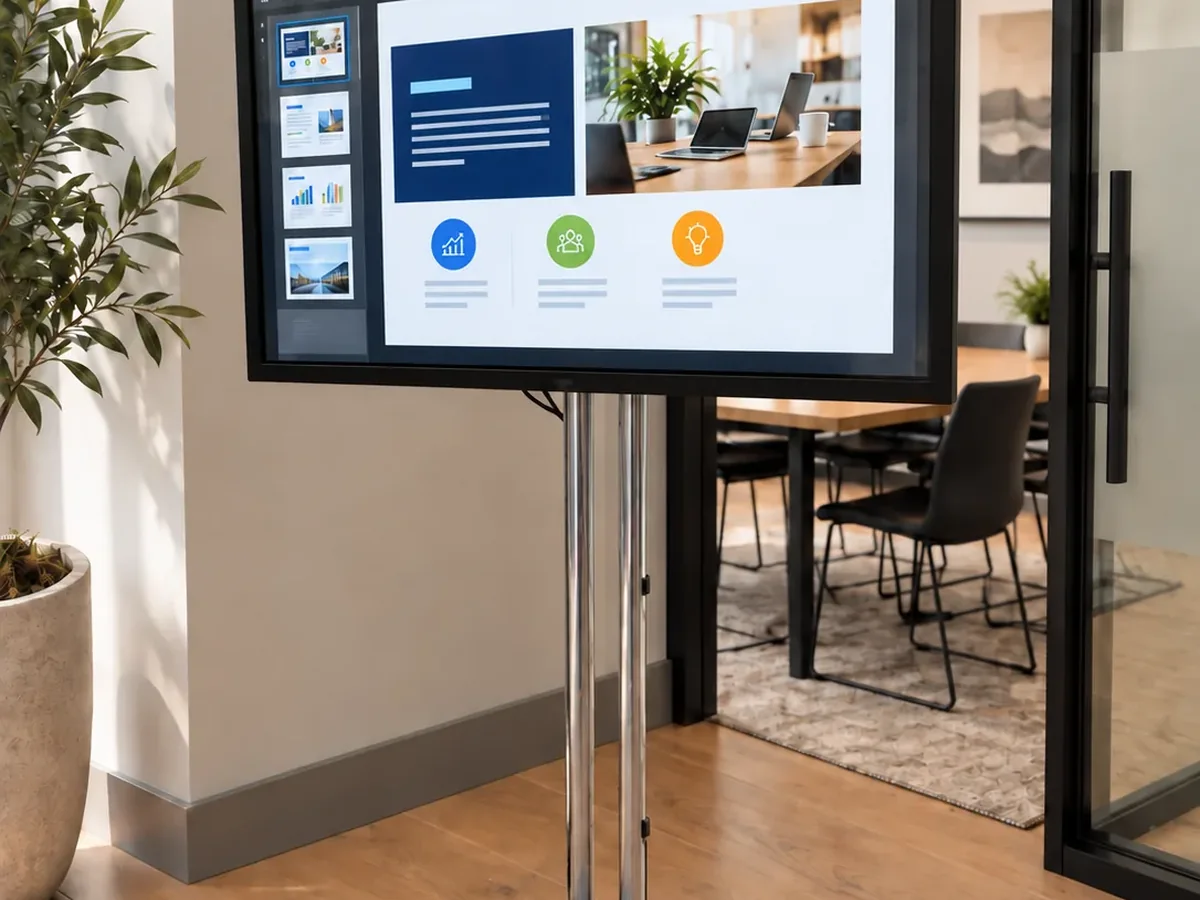
Most venues won't let you fix anything to a wall, so a screen needs a stand: rolling for anything that moves between sessions, floor-standing for a fixed position. We send them with the screen, because a large panel with no stand cannot be used.
Cables and adapters
Most display problems come from the connection, not the screen: a MacBook that needs an adapter no one planned for, or a cable run too long to carry 4K. Tell us what will connect to the display and how far away it is, and we will pack the right cables and adapters.
What we stock
Models we carry. Tell us what the job needs and we’ll confirm what’s free for your dates.
Don’t see what you need? Call us or send a message. We add stock constantly, and what we don’t own we can usually source.
- 22" Sceptre LED Monitor22-inch Sceptre LED Monitor 1080p / 2 HDMI / Table Stand / Screwdriver (Needed for assembly)
- 5 ft Tripod Projection Screen
- 6 ft Pop-Up Projection Screen
- 6 ft Tripod Projection Screen
- 7.5 x 10 ft Fast-Fold Projection Screen
- 8 ft Pop-Up Projection Screen
- 8 ft Tripod Projection Screen
- 9 x 12 ft Fast-Fold Projection Screen
- Acer 27" V277Acer 27-inch V277 27-inch 1080p 4ms
- Acer KB272 Hbi 2727-inch Full HD Zero-Frame Gaming Office Monitor | AMD FreeSync Technology | 100Hz | 1ms (Vrb)
- Acer various24-inch LED Resolution 1920x1080 16.9 4 ms • Acer V247y 24-inch Display 75 Hz, 4ms, 1 x Display Port, 1 x HDMI & 1 x VGA, () • Acer Ka242y 24-inch Display. 100
- Apple TV 4K Gen3
- Apple TV Remote
- Dell C5518QT55-inch Touchscreen 4K 3840X2160 20-Point Interactive Touch Display Conference Room Monitor. Some stylus pens included. A variety of ports
- Dell P4317Q43-inch Display Ultra HD 4K 3840 x 2160 IPS 16:9 Speakers 8ms Gtg, Interfaces: 2 x HDMI, 60 Hz
- Dell S2522HG24.5-inch 1920x1080 240Hz 1ms LED Display (Gaming) LED 1080P Gaming Monitors 1920x1080 at 240Hz, 1ms response time, NVidia G-Sync and AMD FreeSync technology
- Hitachi CP-AW252WN2.5K Lumen Projector 2500 Lumen Wxga 1280x800 (Max 1600 x 1200) Ultra Short Throw Projector. Aspect Ratio 16:10. HDMI input. Throw distance 0.4-1.3 for image
- HP 27" 4KLED (J3G07A8)HP Z27s 4K J3g07a8 27-inch Display Aspect ratio: 16:9, Native resolution 4K Uhd (3840 x 2160 @ 60 Hz). DP, Mini DP, & HDMI video interfaces, 4x USB 2.0
- HP Omen 32q31.5-inch Qhd 165Hz 1ms Gaming Monitor 1 DisplayPort, 2 HDMI
- Lenovo Legion 5i i7 6-Core i76-core i7 32GB / 1TB SSD / Geforce 6GB Graphics 15.6-inch 6-core i7 32GB / 1TB SSD / GeForce 6GB Graphics 6-core i7-10750H, 15.6-inch 1920x1080 144 Hz IPS
- Lenovo Legion 7 Pro i9 Core i9Pro 7 16-inch Gaming Laptop 240Hz i9-13900HX / 32GB RAM / 1TB SSD / RTX 4080 12GB 13th Gen Intel Core i9-13900HX Processor / NVIDIA GeForce RTX 4080 Laptop GPU
- Lenovo Legion Y540 i7 6-Core i76-core i7 32GB / 1TB SSD / GeForce 6GB Graphics 15.6-inch 1920x1080 144 Hz IPS Display 6-core i7-9750H 32GB / 1TB SSD / GeForce RTX 2060 or GTX 1660TI 6GB
- Lenovo T480T480s 14-inch Intel i5 16GB RAM 1920x1080 Intel i5 8th Gen 16GB RAM Intel Uhd 620 Graphics Ports 2-USB-C, 2 USB, HDMI, Ethernet, SD Card Reader, 3.5mm Jack
- LG - UltraGear 45" OLED45-inch OLED 240Hz 0.03ms G-Sync/FreeSync Premium Pro Smart Gaming Monitor with DisplayHDR 400 True
- LG 24GN60024-inch 1920x1080p 144Hz IPS
- LG 75UK6190PUB75-inch Display 4K Ultra HD (3,840 x 2,160), 60 Hz, 3 HDMI, 2 USB, 1 Ethernet, Long hooks
- LG 86UQ8086-inch Display Black 4K Uhd, 3 HDMI ports, Long hooks
- NEC C43143-inch with touch overlay 1920x1080 43 inch Thin Commercial Display -Touch Screen. Purple-ish body, 3x HDMI, Displayport, 2x 10W Stereo speakers
- NEC V463-TM46-inch Touchscreen Touchscreen 1080p Native Resolution VGA, Dvi, DisplayPort, and HDMI ports
- Optoma 3800 Lumens Short-Throw ProjectorHD Projector Gt1080hdr
- Optoma DH3511080P 3.6K Lumen Projector 3600 Lumens, Native 1920x1200, Throw Ratio 1.47:1 -1.62:1, 1.1x Manual Zoom. HDMI 1.4a, 6.2lbs
- Optoma GT1080HDROptoma 3.8K Gt1080hdr 1080P Short-throw Projector 1920x1080 Native, 3840x2160 Max, 0.50:1 Throw Ratio. Built for gamers with 120hz refresh rate and 8.4ms
- Optoma HD271080P 3.2K Lumen Projector 3200 lumen 1920x1080, Throw Ratio 1.48:1-1.62:1, HDMI 1.4a, 5.5lbs
- Optoma WU515TOptima Wu515t 6K Lumen Projector 6000 Lumen Wuxga 1080p Dlp Technology, 5.0 - 31.0, Aspect 4:3, 16:9. 1920x1080 Native Resolution. Throw Ratio (D:W): 1.2:1
- Samsung - 27" (S70H) IPS LED 4K27-inch (S70h) IPS LED 4K
- Samsung - 50" Class TU690T50-inch Class Tu690t Series LED 4K Uhd Smart Tizen TV
- Samsung 28" 4K GamingSamsung Odyssey G70b 28-inch 4K Uhd IPS 144Hz 1ms G-Sync 3840x2160 144Hz 16:9 AS-IPS 1ms 400Nit HDMI
- Samsung 32Samsung 32-inch M70b Series 4K Uhd USB-C Smart Monitor & Streaming TV, 4ms, 60Hz, Hdr10, Wireless Display, Slimfit Camera, G
- Samsung AU800050-inch Display 4K 3,840 x 2,160 Hdr 2 HDMI ports. 2 USB, Good 4K media player. Short hooks
- Samsung AU8000 (Thin) / CU7000 (Thick)Samsung Au8000/Cu7000 43-inch Display Black, 4k Ultra HD (3,840 x 2,160), 60 Hz, 3 HDMI input. Dimensions 965.5 x 599.8 Short hooks or single pole mount
- Samsung CF39M32-inch S39gd Series Curved 1920x1080 Fhd 100Hz, Built in Speakers - Black - Ls32d396ganxza Curved 1920x1080 HDMI 4ms response and a VA panel. HDMI and VGA
- Samsung CU7000B55-inch Display 55-inch 4K Hdr Slim TV 3,840 x 2,160p resolution, 3 HDMI ports, 1 USB, 1 Ethernet
- Samsung DU7200D & CU7000B65-inch Display Black 4K Slim Smart TV (3,840 x 2,160), 60 Hz, 3 HDMI ports
- Samsung Odyssey G32A32-inch 1ms 165Hz Gaming Monitor Samsung 32-inch 1920x1080 Odyssey G32a Fhd 1ms 165Hz Gaming Monitor with Eye Saver Mode, Free-Sync Premium, Height Adjustable
- Samsung Odyssey G70B 2828-inch 4K Uhd IPS 144Hz 1ms G-Sync Compatible Gaming Monitor
- Samsung Q60B70-inch DIsplay 70-inch Class Q60b Qled 4K Smart Tizen TV, 60 Hz
- Samsung TU69050-inch Display 4K 3,840 x 2,160 Hdr 2 HDMI ports. Ethernet, Good 4K media player
- Sony VPL-PHZ505K Lumen Laser Projector 5000 lumens, 1.6x manual zoom / manual focus; Throw ratio 1.26:1-2.02:1; 16W mono internal speakers. 2x HDMI, 1x VGA. 15.4 lbs
- Studio Display 27-inch (Retina 5K)Apple Studio Display 27-Inch (Retina 5K) Standard Display finish integrated six-speaker stereo system and a "Center Stage" capable 12 megapixel camera
- Viewsonic PX701HD1080P 3.5K Lumen Projector 3500 Lumen 1080p Dlp Technology, 3.6 - 21.8, Aspect 16:9. 1920x1080 Native / Max Resolution. Throw Ratio (D:W): 1.5:1 - 1.65:1
- Vizio D32F-F132-inch Display Black Widescreen 16:9 format. 60 Hz 1920x1080 (1080p) Native resolution
Common questions
What is the minimum rental period?
One day. We also rent by the week, by the month, and ongoing for as long as you need it.
Longer periods cost less per day. If you're not sure how long the job will run, tell us. It's usually cheaper to book the longer period than to extend a short one.
What do you need before equipment goes out?
Usually one or more of: a credit card security deposit, a purchase order, or a certificate of insurance. Which ones depends on the size of the job and whether we've worked with you before.
Where a certificate of insurance covers the equipment, we may still ask for a card on file to cover the deductible.
None of this is a credit check or an application. A salesperson will tell you exactly what's needed for your job when they quote it.
Can you load our software before it arrives?
Yes. Many people don't know to ask for this. We load your software, settings and naming convention, and test it here before anything ships.
That saves someone setting up forty machines in a ballroom the night before.
Do you deliver, or do you ship?
Both, and which one depends on the job rather than on the distance alone.
Anything outside San Diego usually makes more sense shipped. Some San Diego jobs do too: a few laptops going to an office is often better as a package than as a van visit. Larger jobs, event setups and anything that has to be built on site are usually delivered in person.
We'll tell you which makes sense for your job when we quote it, and what it costs either way.
How late can I order and still have it go out today?
Fairly late, because we’re on Pacific time. When it’s 4pm on the east coast, it’s 1pm here, and there’s still most of a working day to configure, pack and get equipment on a truck.
It depends on the job. Forty machines imaged to your build take longer than four off the shelf. Call and ask. If today isn’t possible, we’ll tell you.
What happens if equipment fails during my event?
Call us. A technician will work through it with you first: a good number of machines that seem dead are not, and five minutes on the phone can save waiting for a van.
If it does need replacing, we get a replacement to you by whatever is fastest for your situation: driving it out, shipping it, or shipping it overnight. What that looks like depends on where you are and how urgent it is.
Being in San Diego means that for local jobs, driving is usually an option. For a job in another state it won't be, and we'll tell you the timing up front.
What happens if I need the equipment for longer?
Tell us before the return date and we'll extend it. Normally the rental moves to the next period: a week becomes two, a month becomes two months. Sometimes we can pro-rate instead, depending on the job.
Call us before the due date and we will work it out with you.
Don’t see what you need? Just call.
If we don’t stock it, we can usually source it. One call covers the whole kit. A real person answers during business hours. Press 1 and someone here will pick up.